Everything you'd expect from your phone
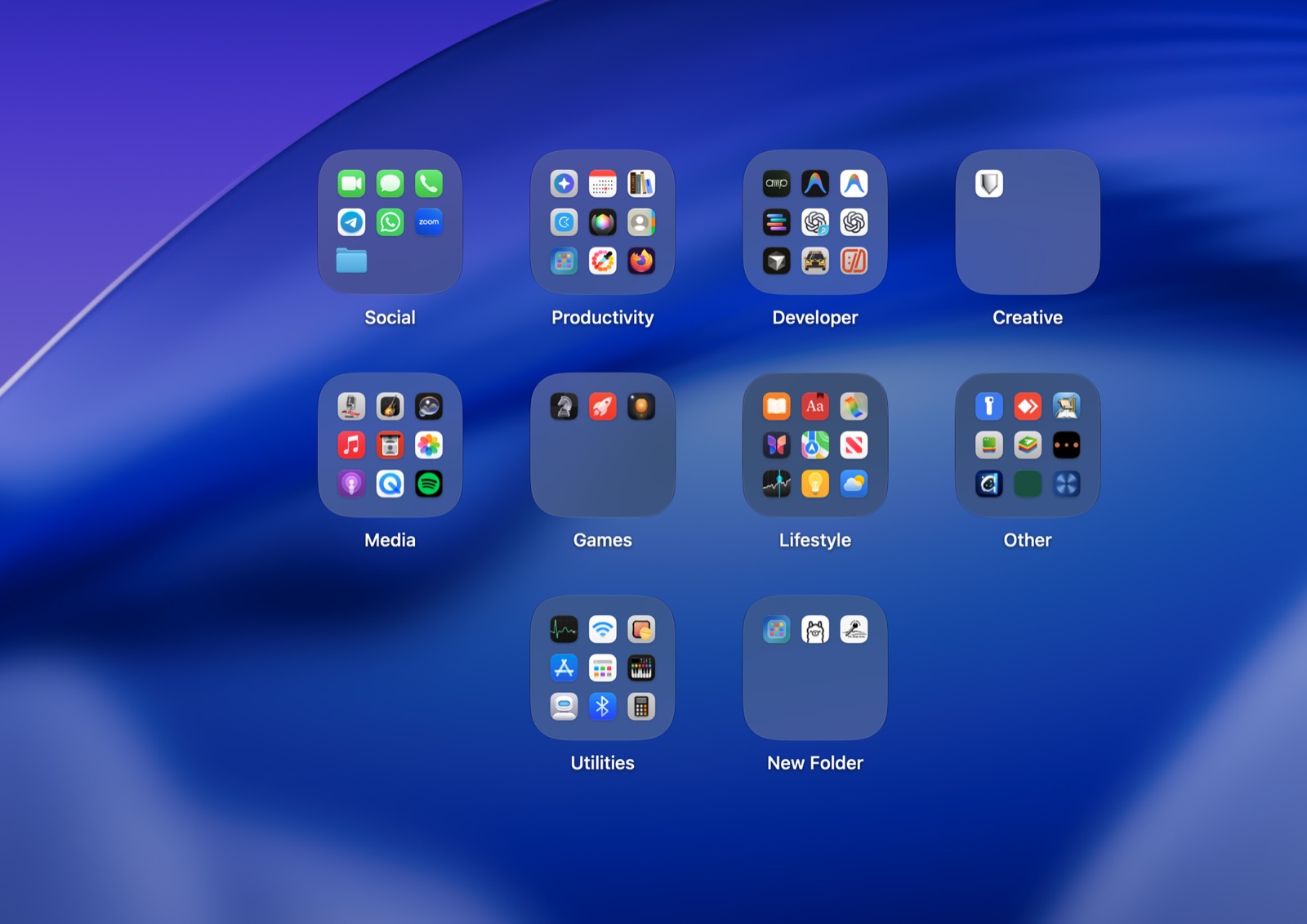
Folders on your desktop
They sit on your wallpaper, below your windows, centered and tidy.
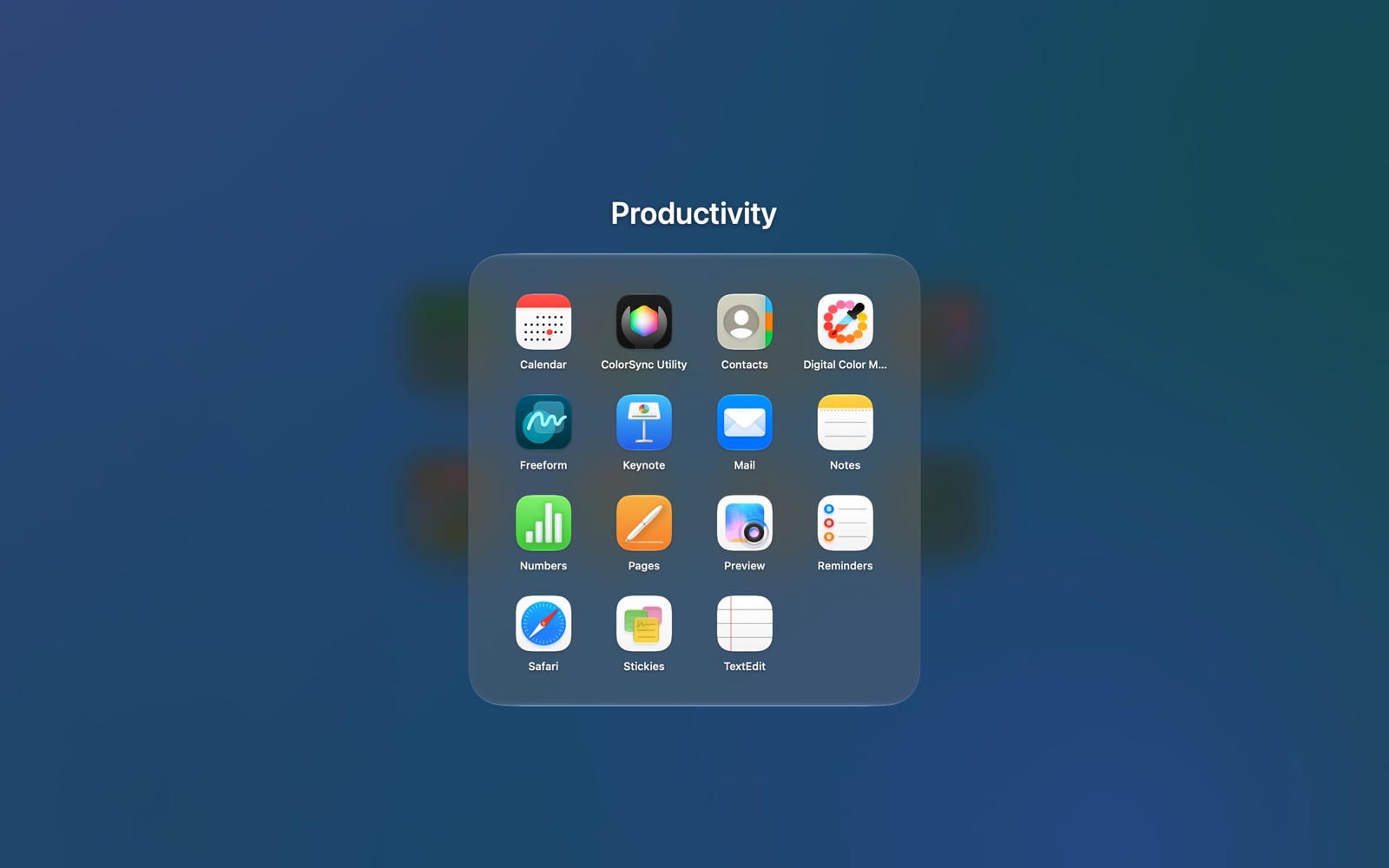
Click to open
A folder opens with a smooth zoom. Click an app to launch it.
Hold to arrange
Hold a folder, an app or the desktop until everything wiggles, then move, rename, add and remove.
Make a folder
Drag one app onto another and Deskfold makes a new folder of the two.
Apps, files and folders
Put anything in a folder: apps, documents, or the folders you use most.
Swipe through pages
Big folders get pages, just like your phone. Swipe or click the edges to turn them.
Your look
Glass, tinted, solid or clear folders, with a colour for each one.
Ready in a minute
Your apps start out sorted into folders, and a short tour shows you the rest.
Room for all your apps
Ten folders, dozens of apps, one tidy desktop. Make as many folders as you like.
Opens like your phone
Private by design
Deskfold has no accounts, no tracking and makes no network connections. Your folders are stored only on your Mac. Read the privacy policy.
Get Deskfold
$3.99, once. No subscription. Coming soon to the Mac App Store.
Buy for Mac – $3.99Questions? Visit support.